1
/
of
2
Divimath, Inc
Divimath VTX Programmer
Divimath VTX Programmer
Regular price
$19.99 USD
Regular price
Sale price
$19.99 USD
Shipping calculated at checkout.
Quantity
Couldn't load pickup availability
Divimath VTX Programmer
Quickly and easily update firmware on compatible Divimath video transmitters with the Divimath VTX Programmer.
Compatibility
- Works with Windows, macOS, and Linux
- Requires a USB-A to USB-C cable. USB-C to USB-C cables are not supported.
Firmware Update Instructions
- Connect the programmer's 7-pin JST cable to the connector on the VTX labeled FW.
- Connect the Divimath VTX Programmer to your computer using a USB-A to USB-C cable.
- Download the latest firmware from: https://www.divimath.com/pages/downloads
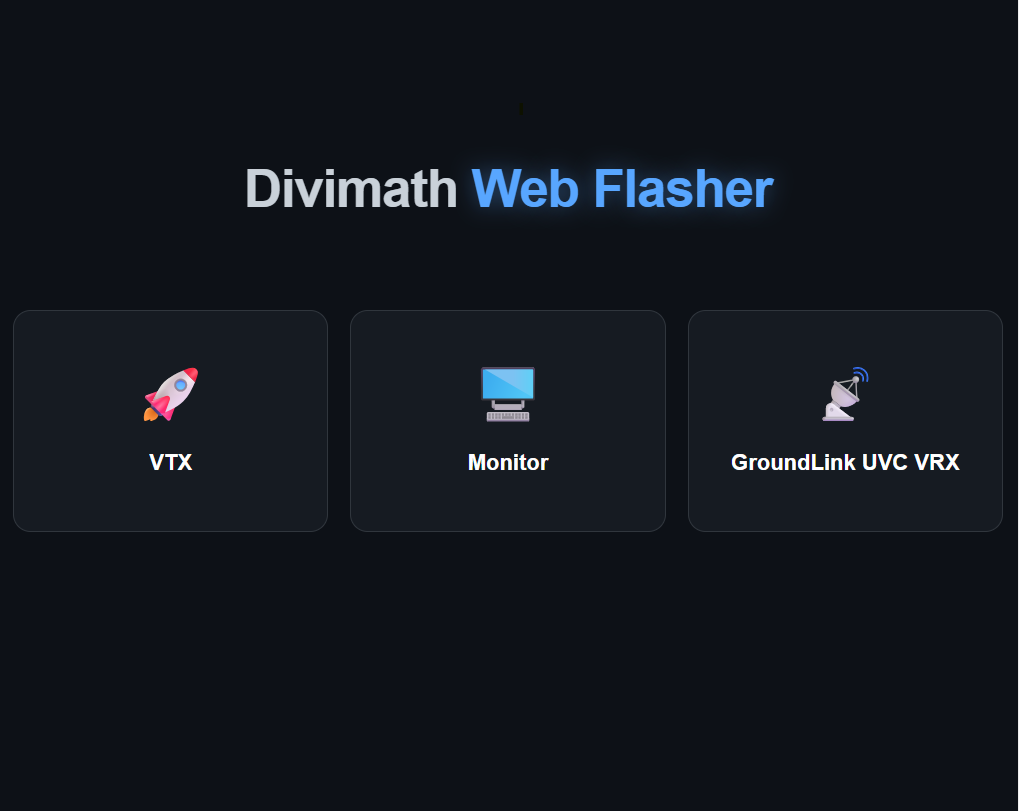
- Open the Divimath web flasher: https://app.divimath.com
- Select the firmware file you wish to install.
- Click Start Flashing.
- When prompted, select the STM32 Virtual COM Port associated with the programmer.
The firmware update process typically completes in approximately 3 seconds.
Features
- Fast firmware updates in seconds
- No software installation required
- Cross-platform browser-based flashing tool
- Simple plug-and-play operation
Note: The programmer must be connected to the VTX connector labeled FW.
Compliance and Origin
NDAA compliant
Country of Origin: Thailand
Share